
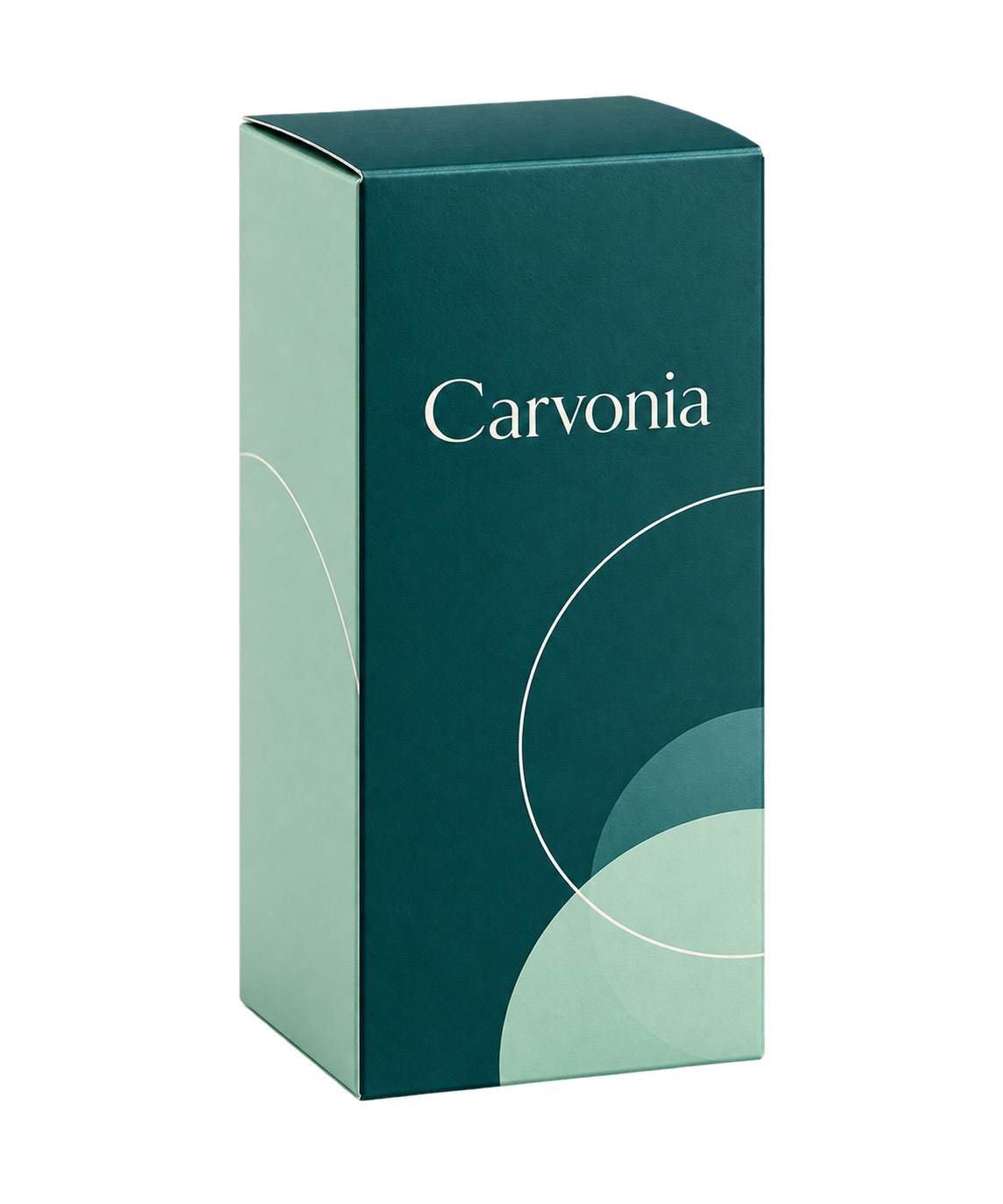
You are due to see Dr. Elena R. again in a few days. At your last meeting, she asked for an information sheet about Carvonia. You noted the request, and now you want to review the product information and the visit where she asked for it.
ISF Agenda connects these details. The product catalog holds information and materials you can consult, while the client history keeps each product linked to the appointments where it was recorded.
Find product information in the catalog
Imagine Carvonia is a product in your catalog. Its entry includes a name and description, with an optional image. If PDF attachments have been added, you can open them from the same entry. Before seeing Elena, you know where to look for the relevant product information.
The catalog is shared within your organization. Users with an administrator role can update products and attachments in the app; other users can consult them. Images and PDFs are optional, so a product entry can contain just the essential information.
Add the details of the conversation to the appointment
The catalog entry for Carvonia tells you about the product. The appointment tells you what you discussed with Elena. In our article about appointment notes, Carvonia is linked to the visit at her Bologna practice, with a note to bring the information sheet next time.
You can link several products to one appointment and add a separate note for each. If you cover different topics in the same visit, each product stays connected to the date and the relevant details. The catalog holds the reference information; the appointment records when and why the product came up in conversation.
Pick up where the last visit ended
From Elena’s profile, you can review products linked to her earlier appointments, together with dates and any notes. Carvonia may appear in more than one visit. Each entry retains its appointment context, so you can distinguish the latest request from something discussed earlier.
Now you are preparing to see Elena at the medical center in Casalecchio. You can reread the note, open Carvonia’s catalog entry and consult the relevant PDF if it is available. These details help you decide what to bring and which questions to revisit.
As your client list grows, this connection becomes more useful. The catalog provides a shared source of product information, while each appointment preserves the details of the visit. Your preparation can begin with the conversation you have already had.